Google’s Cardboard Camera lets you capture immersive photos from smartphone hardware you already own. The app has now launched on iOS, letting you snap 360 degree 3D photos from your iPhone.
Cardboard Camera launched on Android late last year. The ingenious app uses the parallax created by the rotation of your phone, along with some computer vision processing, to capture a 360 degree panorama in 3D—all with the camera that’s already on your smartphone. That’s particularly cool, because even dedicated consumer 360 degree cameras like the Samsung Gear 360 and Ricoh Theta can’t shoot in 3D.
Today, Google launched Cardboard Camera on iOS, bringing the magical 3D capability to the iPhone, iPod Touch, and iPad.
google cardboard camera
The app captures what Google calls ‘VR Photos’, panoramic views up to 360 degrees along the horizon (sadly, not fully spherical) that also have 3D depth. To use it you just hit the capture button then slowly rotate in a complete circle. Google then assembles and renders the photo, which you can share easily across the web with a link. You can also opt to record the sound of the scene to be played back during viewing for added immersion.
google cardboard camera app (4)
A panorama captured and viewed with Cardboard Camera’s VR mode
Of course you won’t be able to see the 3D effect without a Cardboard headset, but even if you don’t have one yet, you can still snap and share panoramas easily with the app (even to friends who don’t have a headset themselves), and you’ll get the added immersive benefit of 3D later when you decide to pick up a headset.
Viewing the photos through an iPhone reveals the same impressive depth capture we saw in the Android version. With the iPhone’s display lacking in pixel density compared to flagship Android phones, the Cardboard Camera photos don’t look as sharp, but this is balanced out by the quality of the iPhone’s camera compared to phones in the same class.
Cardboard Camera is free on both Android and iOS. On Android, the app is rated 4.3 out of 5 across 11,000 reviews, and has been installed more than 1 million times.
Ping URL:
http://www.roadtovr.com/google-cardboard-camera-ios-vr-photo-iphone-3d-panorama/
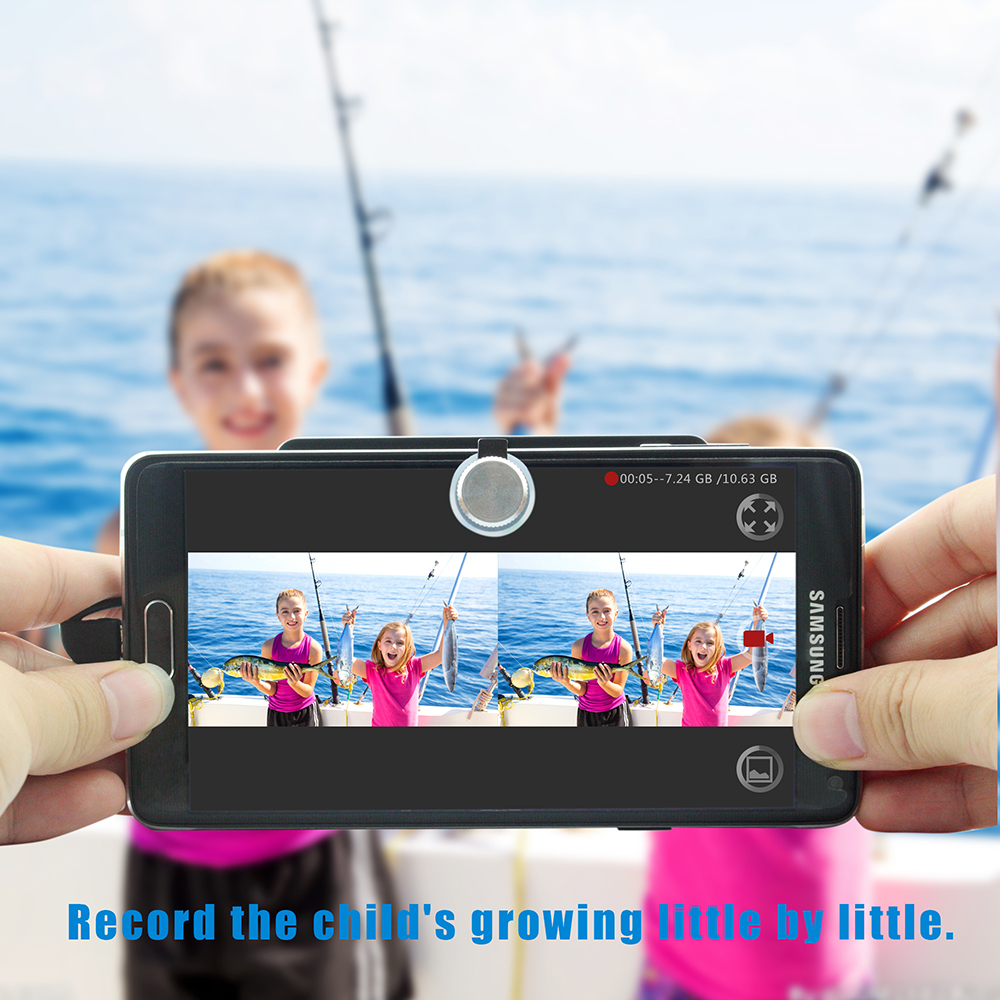
May wish to try SVPRO VR 3D camera, you can shoot their own VR video, such as a girlfriend and go to the sea, you can take the tour of the VR video, and then use a 3d VR glasses box to enjoy the travel video, I think it is very memorable value.